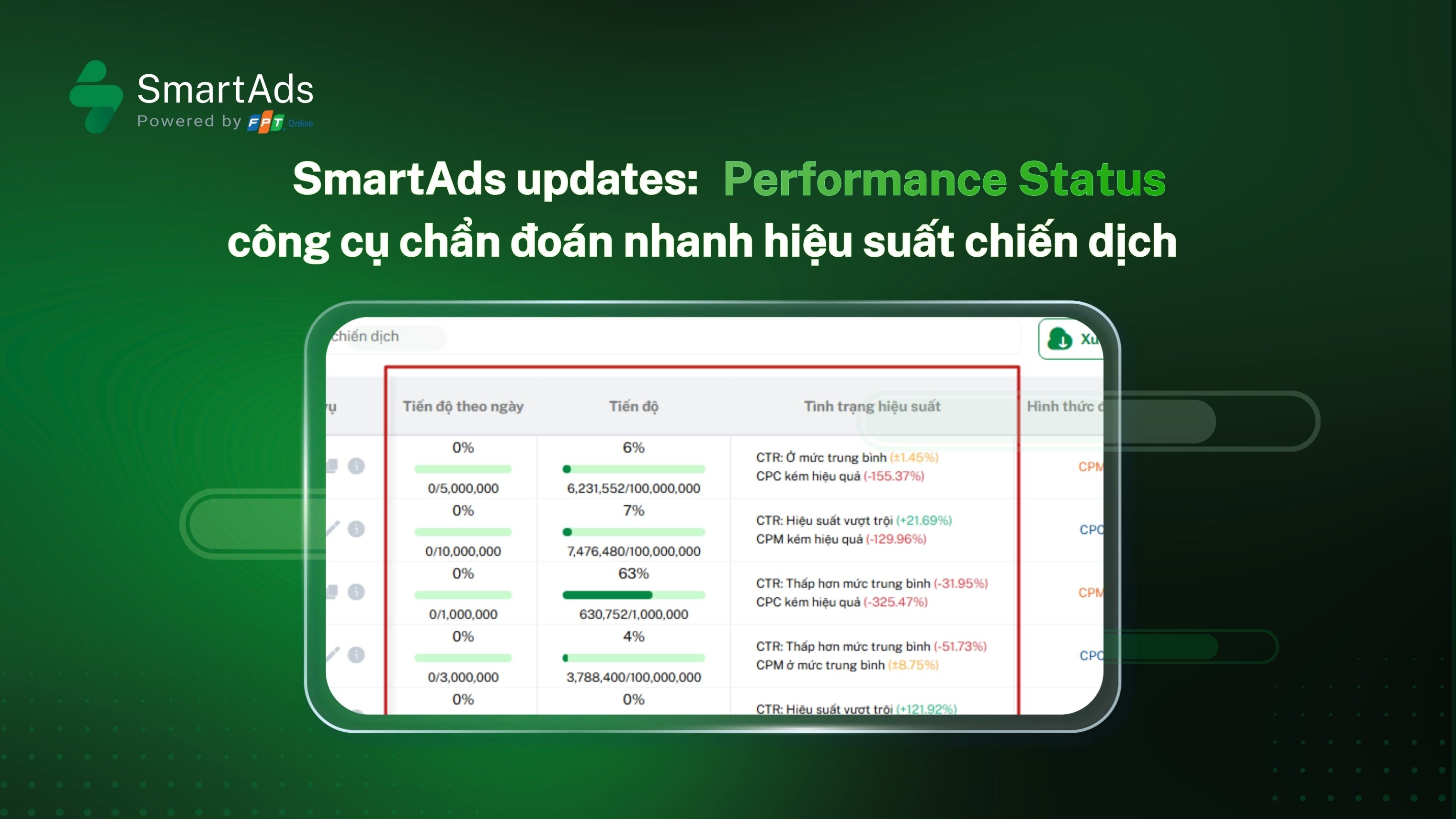
1. What is the Performance Status feature?
Performance Status is a new feature of SmartAds designed to evaluate campaign performance by comparing each campaign against the overall benchmark. This benchmark represents the average performance of campaign groups running during the same period across the entire SmartAds system. Performance Status is not an absolute KPI; instead, it reflects the actual performance condition, displayed through relative labels and alerts to help advertisers reference data before making optimization decisions.
>>> Digital Performance: common misconceptions in digital advertising campaigns.
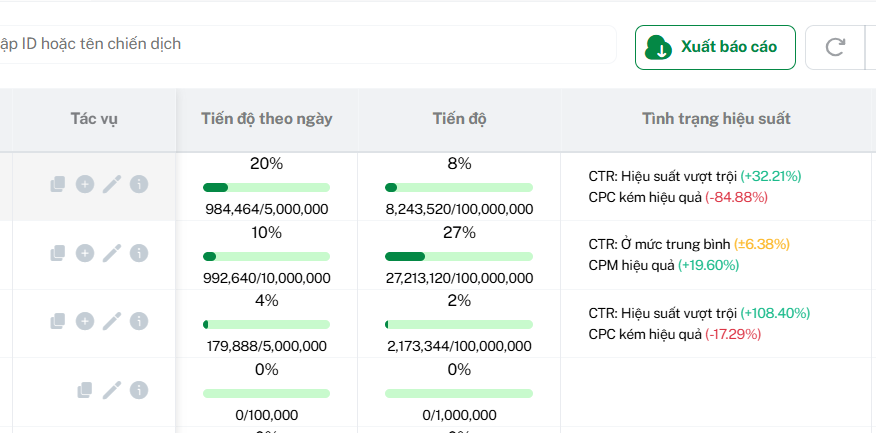
Advertisers can view this feature in the Campaign Management tab, directly within the list of active campaigns.
2. Calculation method and operating mechanism of Performance Status
For CTR, under normal circumstances (excluding spam or abnormal interference), a higher CTR indicates stronger campaign performance. Therefore, SmartAds calculates the relative rate using the following formula:
% = (Campaign metric – Overall benchmark) / Overall benchmark × 100%
In contrast, for CPC and CPM, depending on campaign objectives and buying methods, higher values of these metrics usually indicate higher budget consumption for the same outcome. As a result, SmartAds applies the following calculation formula for these two indicators:
% = (Overall benchmark – Campaign metric) / Overall benchmark × 100%
Once SmartAds completes the calculation and normalization of performance metrics, the Performance Status will be visually labeled using three colors (green, yellow, and red), corresponding to the campaign’s effectiveness level compared to the system benchmark. This visual display enables advertisers to quickly identify campaign performance at a glance.
3. Key takeaways about the Performance Status feature
Performance Status does not replace KPIs or final campaign objectives. Instead, it functions as a quick diagnostic tool. This feature does not deliver an absolute judgment of whether a campaign is “good or bad,” but rather indicates whether it is performing better or worse compared to the rest of the system.
When using this feature, advertisers can:
-
Quickly identify strengths and bottlenecks within each campaign
-
Prioritize optimization efforts (creative, content, bidding, budget, formats, etc.) based on campaign objectives
-
Make informed adjustment decisions by referencing the overall system context instead of viewing isolated metrics
Example: CTR +32% but CPC -84% indicates that the campaign attracts strong engagement but is not cost-efficient per click compared to the benchmark. However, from a branding perspective, this may not be negative, as the brand could be running parallel CPM-based branding campaigns during the same measurement period, pushing the overall system CPC upward.
Overall, the Performance Status feature on SmartAds allows data to “speak” through clear performance signals, while optimization decisions remain driven by the advertiser’s real strategic objectives.
>>> Launch your first campaign with SmartAds here to experience this new feature.