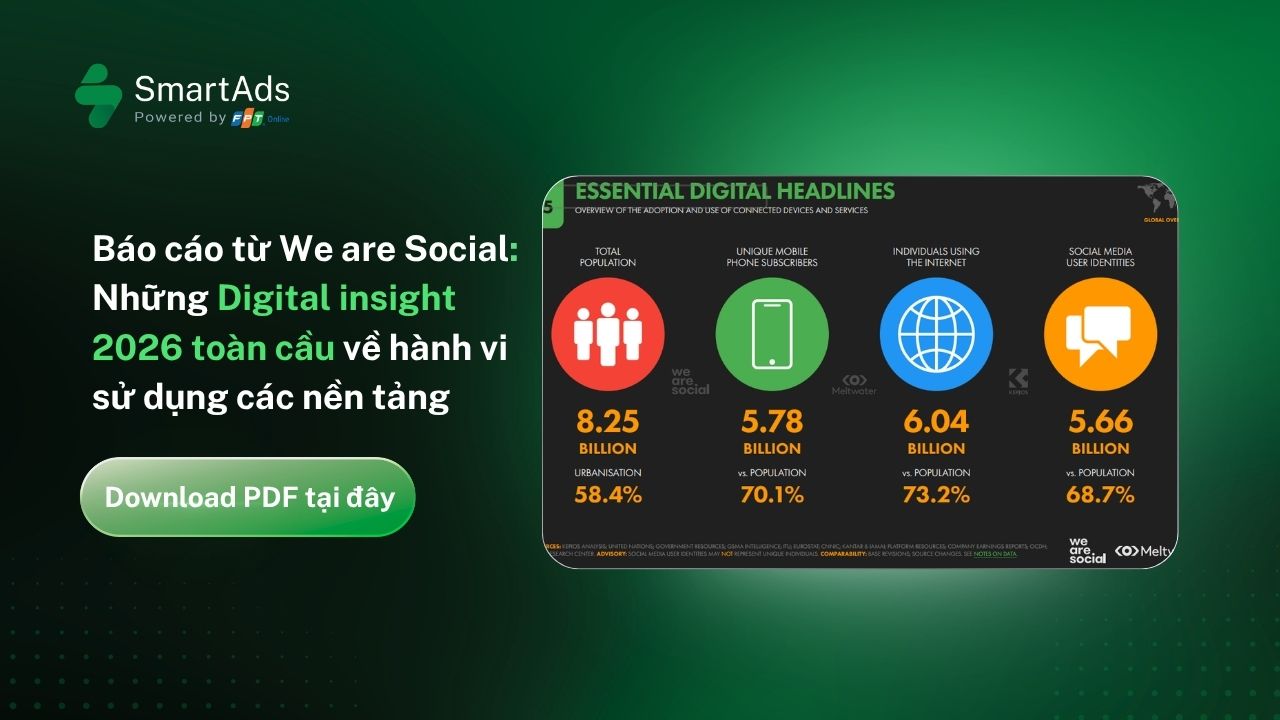
I. Introduction to Performance Video Ads (Native Video)
Performance Video Ads, also known as Native Video, are SmartAds’ video advertising format that appears natively within content feeds on online news publishers. Unlike Native Article, this format is delivered in video form and presented like an editorial item in the feed, capturing user attention from the very first seconds without disrupting the reading experience. After the video ends, the system automatically displays a static banner ad, helping reinforce brand awareness, increase user engagement, and guide users to the destination page.

Performance Video Ads on SmartAds are built on a native-first principle, ensuring that video creatives blend seamlessly with each publisher’s layout and content context. By combining the storytelling power of video advertising, this format can be flexibly deployed across both desktop and mobile environments, supporting a wide range of digital marketing objectives aligned with modern content consumption behavior.
1.1. Performance Video Ads support multiple communication objectives
Thanks to their high attention-grabbing ability and natural display, Performance Video Ads on SmartAds effectively support various marketing goals:
-
Enhance brand awareness through video: Video enables brands to convey visuals, emotions, and brand messages more vividly and memorably compared to static formats.
-
Increase user engagement within content feeds: Videos appear like editorial content, encouraging users to stop, watch, and interact instead of scrolling past as they often do with traditional banner ads. In particular, when deployed as livestream video, this format enables real-time, two-way interaction, delivering authentic, dynamic, and emotionally rich brand communication compared to pre-recorded videos.
-
Drive high-quality traffic to destination pages: The static banner ads displayed after video playback help extend brand exposure and guide users toward desired actions.
-
Support product launches and phased communication campaigns: This format is suitable for product launches, feature introductions, seasonal promotions, and long-term branding campaigns.
1.2. Performance Video Ads placements and display formats
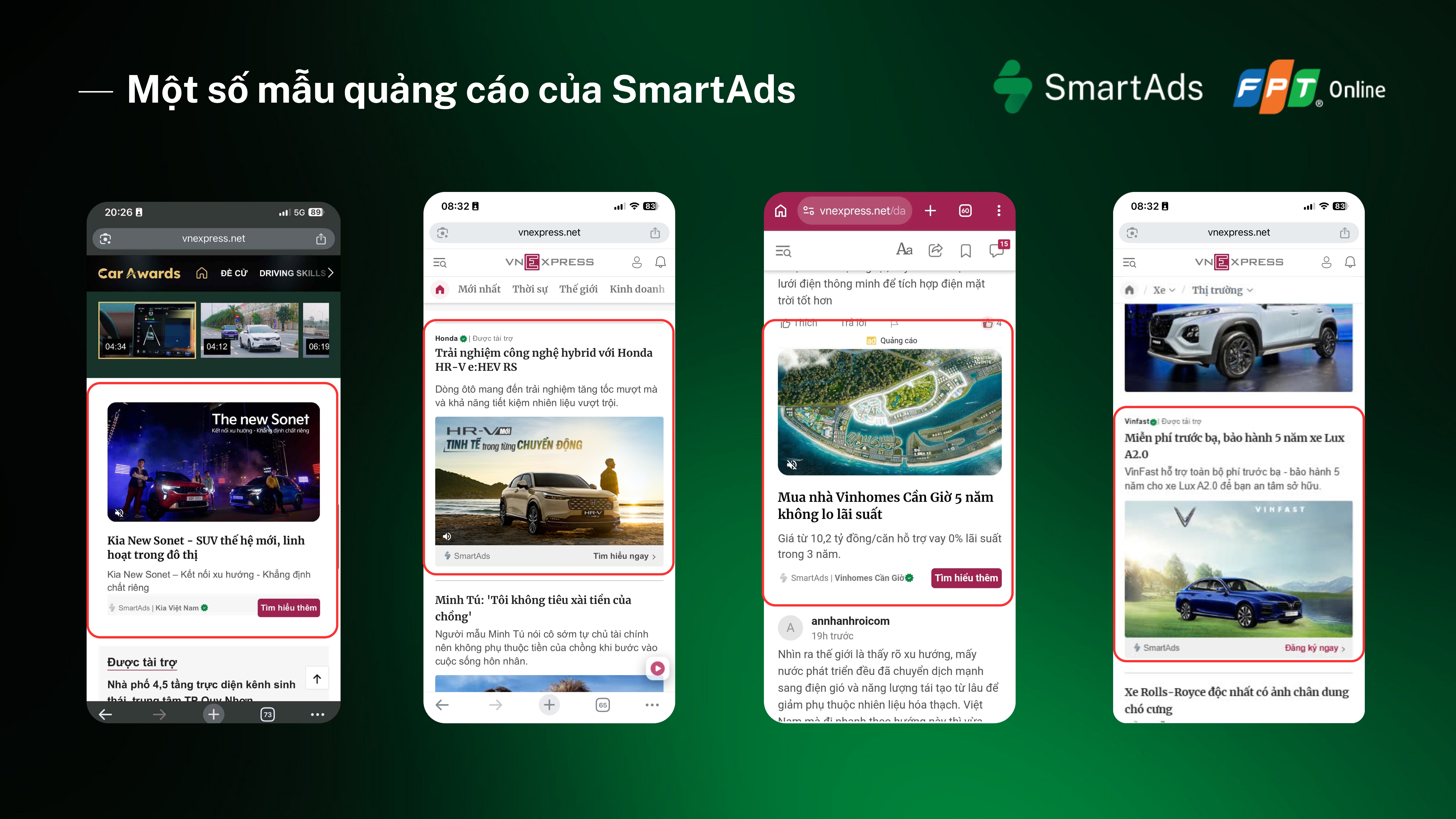
Performance Video Ads on SmartAds can be flexibly distributed across multiple placements on online news sites, depending on each publisher’s layout structure and the selected placement package, including:
-
Folder in-feed: Videos appear within category content feeds, reaching users while they actively explore topic-based content.
-
In-article: Videos are embedded directly within articles, interwoven with editorial content to attract attention while maintaining a native experience.
-
In-comment: Videos are displayed in comment sections, where users already show a high level of interest and interaction.

-
Breakpage: Videos appear on content break pages, creating a natural pause point when users navigate between pages.
-
Sponsor Box: Displayed in sponsored content areas, suitable for branding-focused video advertising campaigns.
-
Sticky: Videos remain fixed while users scroll, ensuring continuous visibility.
II. How to set up Performance Video Ads on SmartAds
Advertisers can launch Performance Video Ads on SmartAds by following these steps:
Step 1: Click the “Add campaign” button
Step 2: Select the “Native Article” format and click “Apply” to configure creatives
Step 3: Name the campaign and select the appropriate objective

Step 4: In the Ads* section, click "Add ad". To change the ad format, click "Change".
Step 5: Enter the destination URL, headline, and description; upload the video thumbnail image, upload the static banner image displayed after the video, and select a CTA
Step 6: Choose targeting options that match your target audience
Step 7: Set the campaign budget and bid price
Step 8: Configure UTM tracking (if needed) before submitting the ad
Note: Please ensure sufficient account balance and valid advertising licenses before launching the campaign.
III. Performance Video Ads content and design specifications
On the SmartAds platform, Performance Video Ads consist of two main components: the video ad and the static banner displayed after video playback.
Content components:
-
Destination URL: Required
-
Headline: Maximum 65 characters
-
Description: Maximum 95 characters
Video specifications:
-
Format: MP4
-
Aspect ratio: 16:9 (1280 x 720)
-
Maximum file size: 50MB
-
Duration: 6 to 180 seconds
Post-video static banner specifications:
-
Format: JPG, PNG
-
Minimum size: 1280 x 720
-
Maximum file size: 20MB
-
Supported display ratios: 448 x 252, 415 x 249, 416 x 312, 414 x 414
Additional elements:
-
Brand name & logo
-
Call to Action (CTA)
-
Impression & Click tracker URLs
Content and display guidelines:
-
Key messages should appear early in the video
-
Video content should be concise, easy to understand, and suitable for editorial environments
-
Static banners should maintain consistent brand identity with the video
-
Avoid excessive small text that reduces readability
-
CTAs should be clear but non-intrusive
IV. How to view Performance Video Ads results on SmartAds
Once the ads are live, you can track performance metrics such as impressions and user engagement on the Campaign Management or Dashboard page.
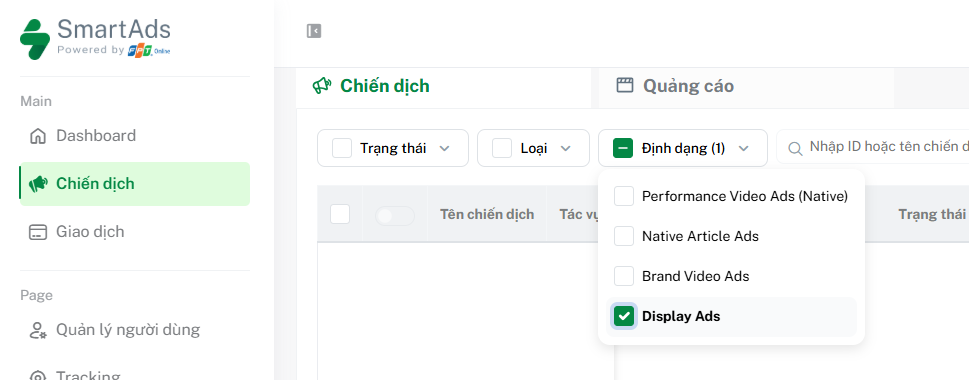
Here, you can filter reports by Native Article Ads format and scroll horizontally to view results. To access detailed reports by campaign or creative, click the  icon on the toolbar.
V. How to optimize Performance Video Ads campaigns
To maximize the effectiveness of Performance Video Ads on SmartAds, advertisers should consider the following best practices:
-
Define clear video objectives: Branding, user engagement, or traffic driving.
-
Capture attention within the first 3–5 seconds: This is the critical moment that determines whether users continue watching.
-
Apply concise storytelling: Avoid overly long or unfocused videos without a clear core message.
-
Align video creatives with static banner ads: Maintain brand recall after video completion.
- Use a clear behavior-driven CTAs: Learn more, Discover now, Explore.
-
A/B test video and banner creatives: Experiment with multiple variations to optimize performance.
-
Monitor engagement metrics: Combine impressions, views, clicks, VTR, completion rate, and other indicators to evaluate traffic quality.
-
Comply with content and privacy policies.
VI. Performance Video Ads ratecard, effective from April 2026
Pricing for Performance Video Ads format (VAT included):
|
Minimum CPC bid (VAT included) |
Minimum CPM bid (VAT included) |
Site/Group |
| 3,300 | 20,000 | All websites |
| 3,300 | 20,000 |
All websites (Overseas targeting only) |
| 5,500 | 25,000 |
Premium websites (VnExpress, Dan Tri, Thanh Nien, Tuoi Tre...) |
| 5,500 | 25,000 |
English premium websites (English sites) |
| 6,600 | 30,000 |
VnExpress sites (including VnExpress.net & Ngoisao.VnExpress.net) |
| 5,500 | 30,000 |
e.VnExpress site (English site e.vnexpress.net) |
| 4,400 | 20,000 |
Ngoi Sao (Ngoisao.VnExpress.net) |
*Note:
SmartAds applies a fixed bidding model. The listed prices are for reference only and represent the minimum floor price on the SmartAds platform. Actual campaign costs may vary depending on ad format, placement, booking duration, and specific publisher inventory.