1. Overview of HTML5 banners
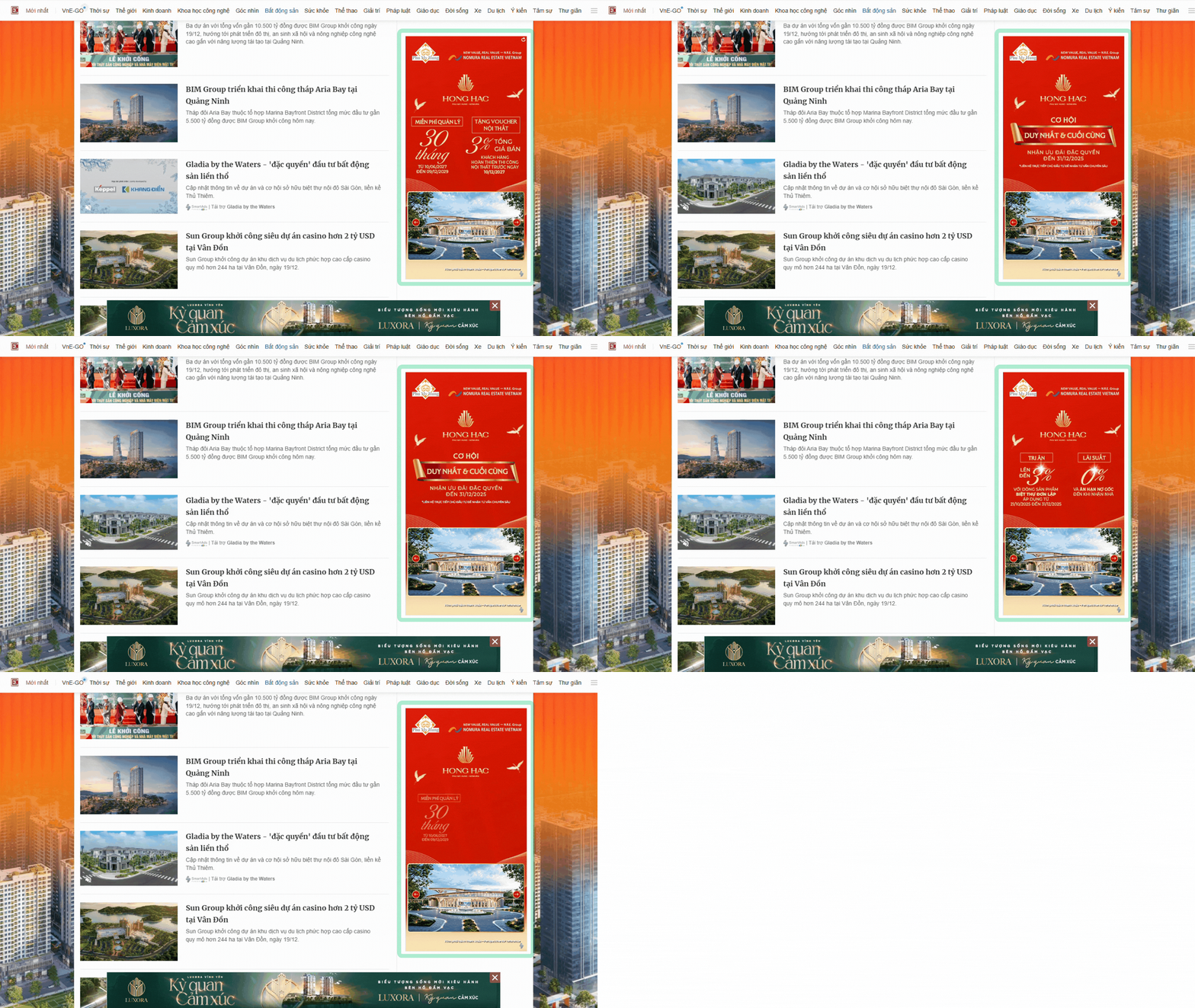
HTML5 banners are dynamic digital advertising formats that combine HTML5, CSS, and JavaScript to create interactive banners with motion effects and video, delivering significantly higher engagement compared to traditional static banners.
Comparison with traditional banners:
-
Static banners: Primarily image-based formats (.jpg, .png) or simple animated GIFs with limited interactivity.
-
HTML5 banners: A rich, dynamic, and flexible advertising format that adapts seamlessly across platforms, encourages interaction, and delivers a more immersive user experience.
When users click on a banner, the web browser automatically redirects them to the advertiser’s landing page.
2. How to set up display ads with HTML5 banners on SmartAds
Deploying HTML5 banners on SmartAds is designed to be simple and intuitive, enabling advertisers to efficiently manage multiple creatives within a single campaign. Follow the steps below:
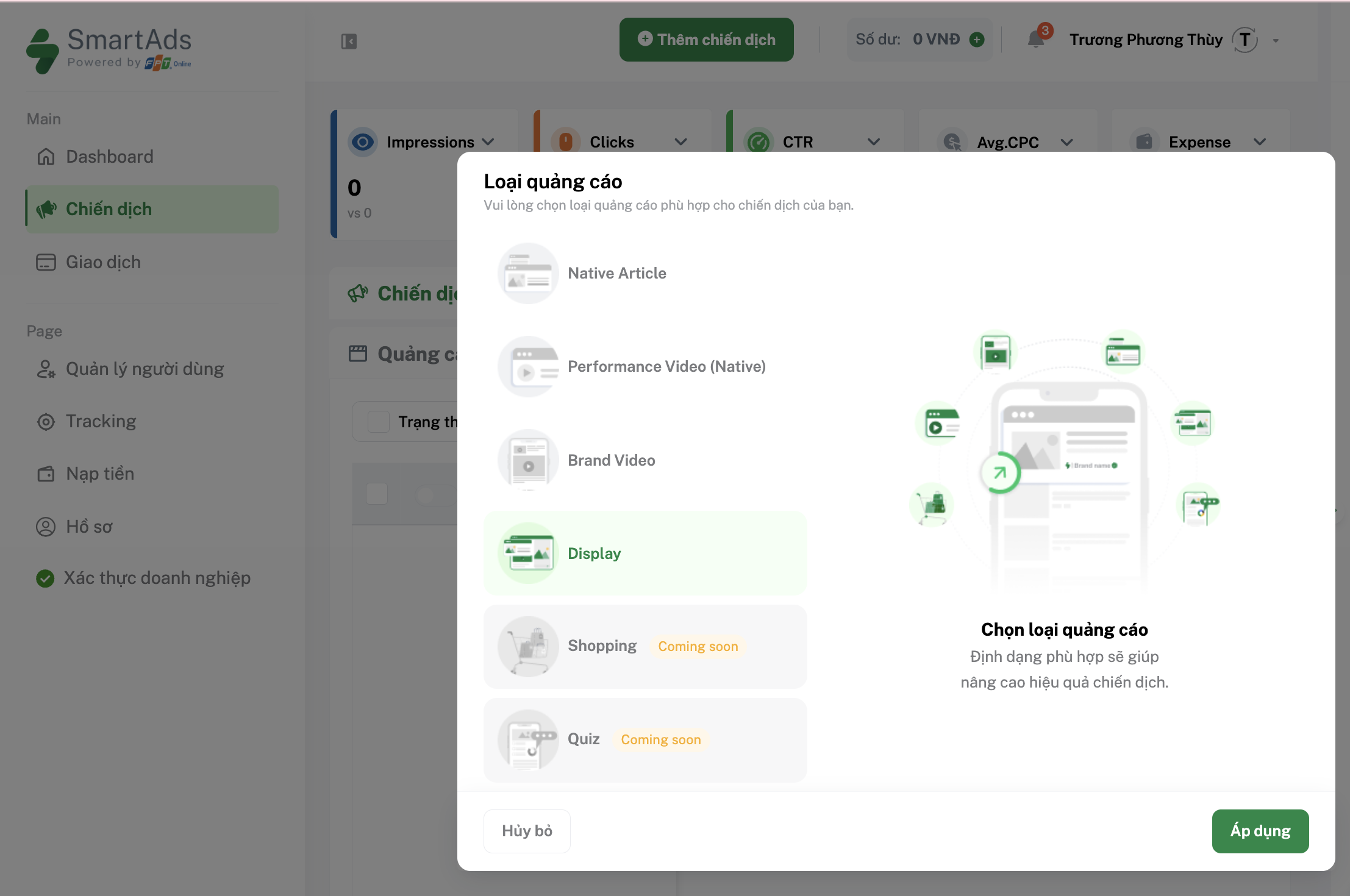
Step 1: Select the Display Ads format
Go to the Create Campaign page on SmartAds. In the Creatives section, select Display Ads, then click Apply to create a new creative.
Step 2: Enable the HTML5 banner upload tool
On the Display Ads creative setup interface, click the Upload HTML5 Banner button.
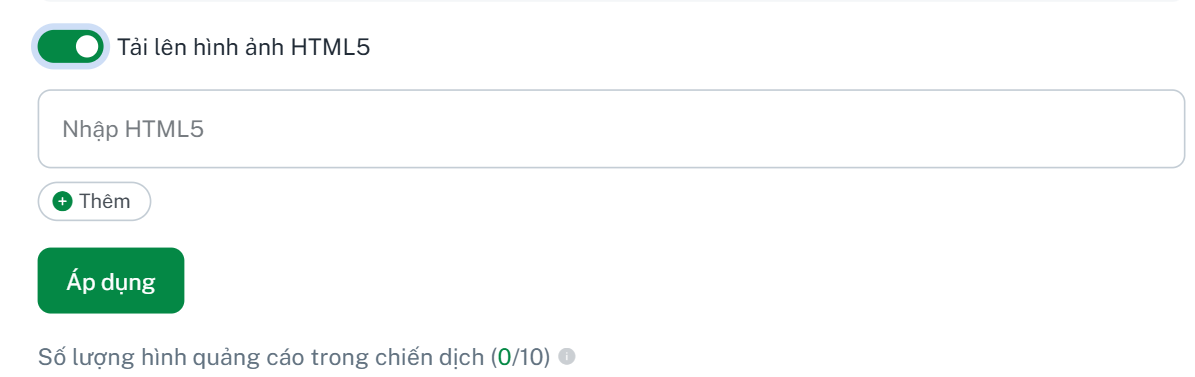
Here, paste the HTML5 banner link provided and supported by the SmartAds creative team. Select “Apply”, and the system will automatically generate a creative preview. Click “Add” to upload multiple HTML5 banners.
* Note:
- The SmartAds team directly supports the design of HTML5 banners based on existing brand materials. Completed HTML5 links will be delivered to advertisers, allowing them to proactively set up campaigns within the system. Contact SmartAds here.
- The SmartAds platform allows up to 10 creatives per campaign, enabling more effective A/B testing for messaging and visual performance.
Step 3: Add the landing page URL
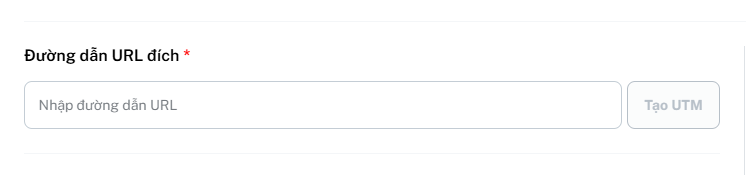
Enter the destination URL to ensure a seamless conversion flow from banner to content. Advertisers can also attach UTM parameters directly to the URL using the "Create UTM" button.
>> Learn more about UTM and SmartAds pixel tracking setup here.
Step 4: Save your settings
Once completed, click the  button to save the basic settings for this advertising format and proceed to the next configuration steps.
>> Discover how to set up targeting on SmartAds here.
3. Key advantages of HTML5 banners
HTML5 banners are more than just a display format—they represent a major upgrade in digital advertising experiences, offering the following standout benefits:
-
Enhanced attention and recall: HTML5 banners support motion, animation effects, and light interactivity, making ads more eye-catching than traditional static images.
-
Optimized brandformance performance: Animated visuals are more engaging than static banners, helping increase CTR while maintaining consistent brand identity throughout the campaign.
-
Responsive across devices and sizes: HTML5 banners automatically adapt to display effectively on desktops, mobile web, and tablets—perfectly aligned with the SmartAds inventory ecosystem.
Integrating HTML5 banners into Display Ads marks a significant upgrade in the advertising experience on SmartAds. Beyond making creatives more dynamic and engaging, HTML5 banners empower advertisers to execute effective brandformance strategies—harmoniously balancing brand awareness with conversion-driven performance.